
Good coaching has many moving parts. Keep them together.
Explore the tools behind a clearer coaching day. From your first intake form to the next training block, every capability has a place — and a page of its own.
Every coaching feature is included in every plan. Choose the client and team capacity you need.
Features to explore: 40
No matching features. Try a different word or clear your search.
Training
Build programs, plan progression and adjust the work to the person in front of you.
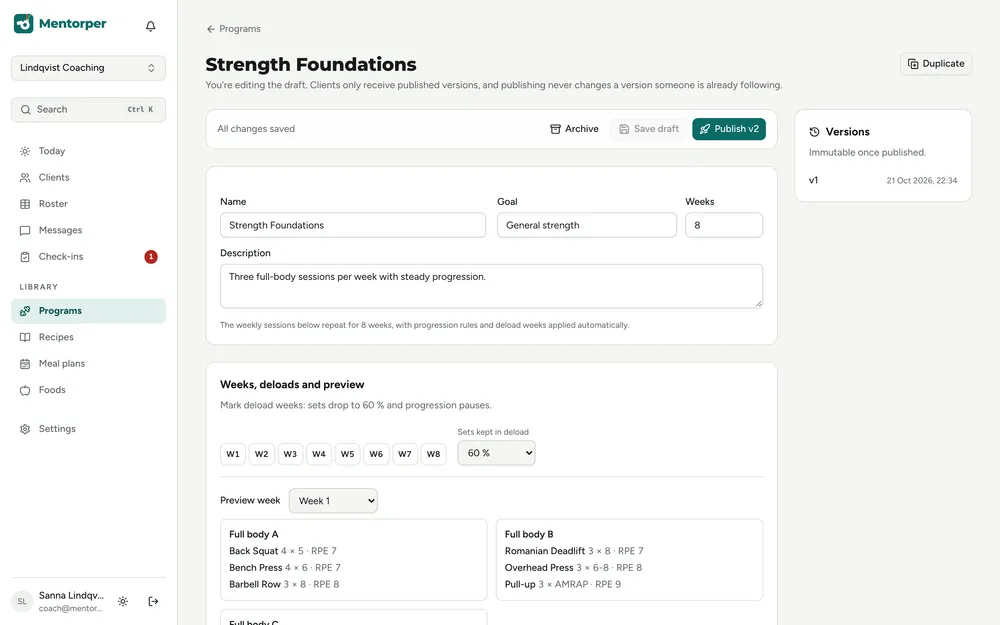
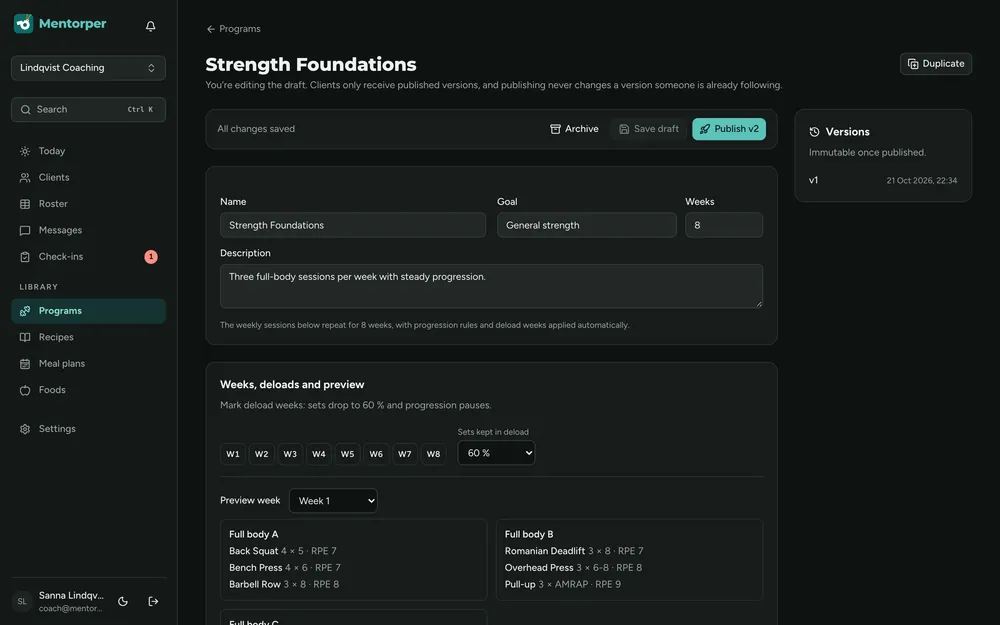
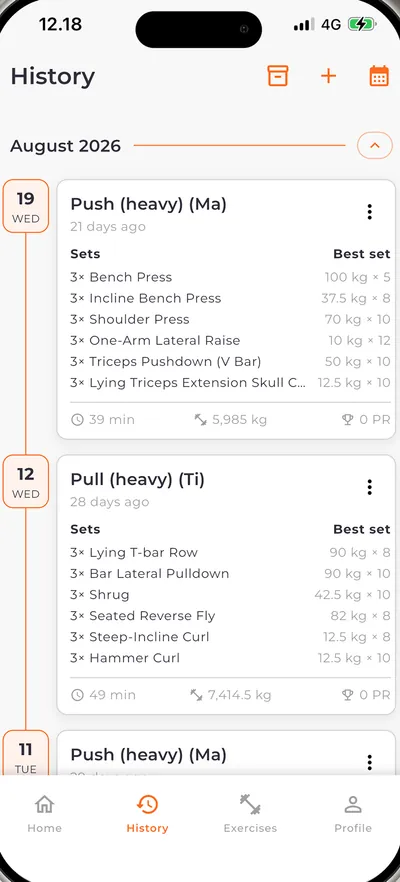
Training programs
Bring sessions and coaching decisions into a training program your client follows in Bodyper.
Explore featureProgram versions
Keep program changes clear as coaching moves between stages.
Explore featureProgression
Build a direction for training that you can review against the client’s shared progress and feedback.
Explore featureSupersets
Build supersets into your training programs so the planned exercise structure is part of the coaching.
Explore featureSession adjustments
Adjust one client’s session without rebuilding the program around an unusual day.
Explore featureNutrition
Turn nutrition targets into meals, choices and a plan your client can use.
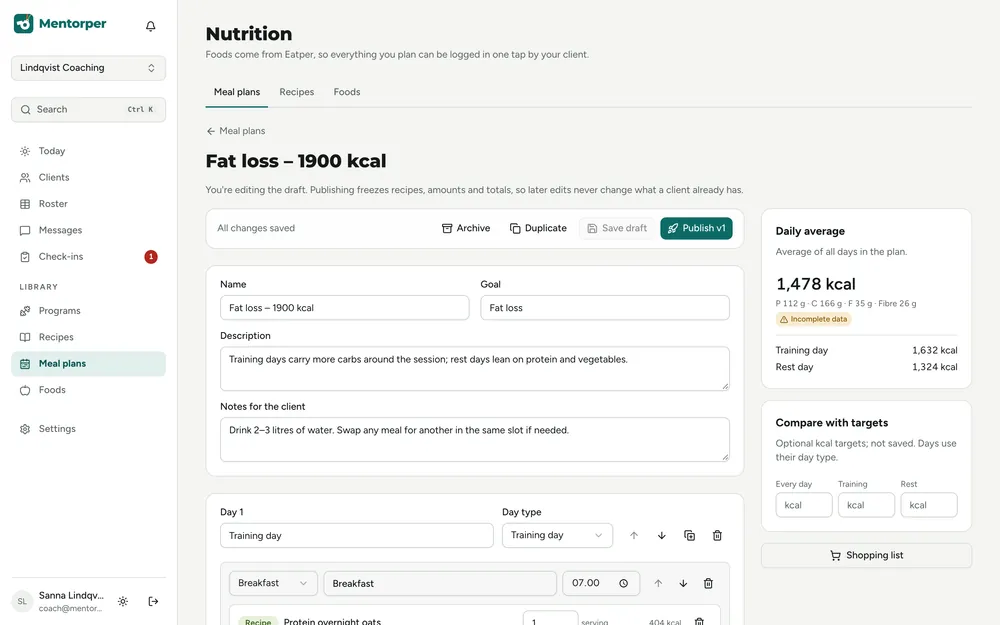
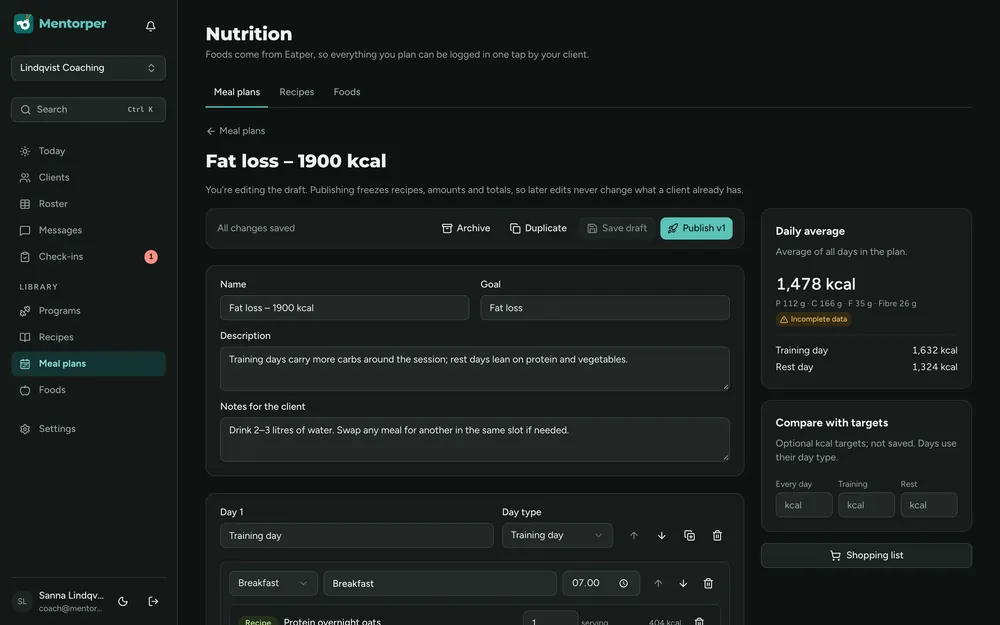
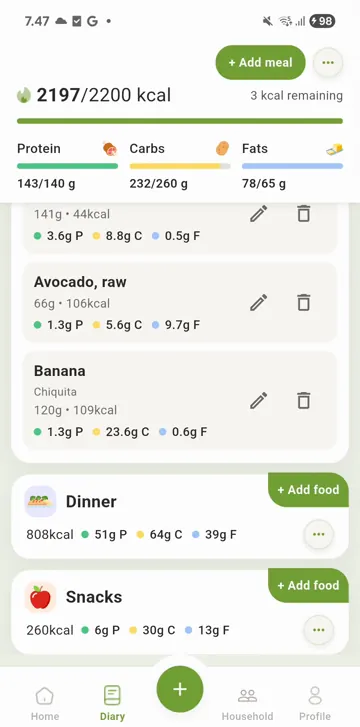
Food database
Use foods as the starting point for recipes and practical meal plans.
Explore featureRecipes
Build recipes that turn food choices into practical meals within the wider nutrition plan.
Explore featureMeal plans
Bring recipes, day types, slots and alternatives into a practical nutrition plan.
Explore featureDay types
Give training and rest days a clear place in the same meal plan.
Explore featureMeal slots
Use flexible meal slots with calorie and protein budgets instead of fixing the entire day to one menu.
Explore featureMeal alternatives
Offer meal alternatives that preserve the day’s structure while making room for everyday choices.
Explore featureShopping lists
Connect planned meals with a shopping list that supports their preparation.
Explore featureAllergen and diet checks
Review meal plans with diet checks and coverage of all 14 EU allergens.
Explore featureNutrition targets
Let clients accept or decline nutrition targets so the plan starts with a shared decision.
Explore featureCheck-ins & habits
Understand the week, keep small actions visible and know who needs attention.
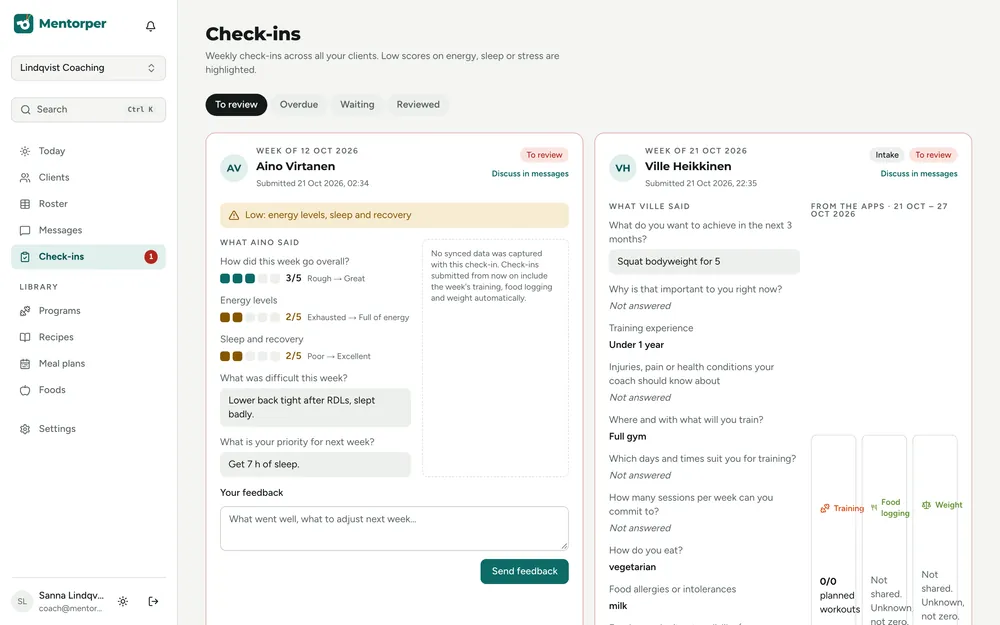
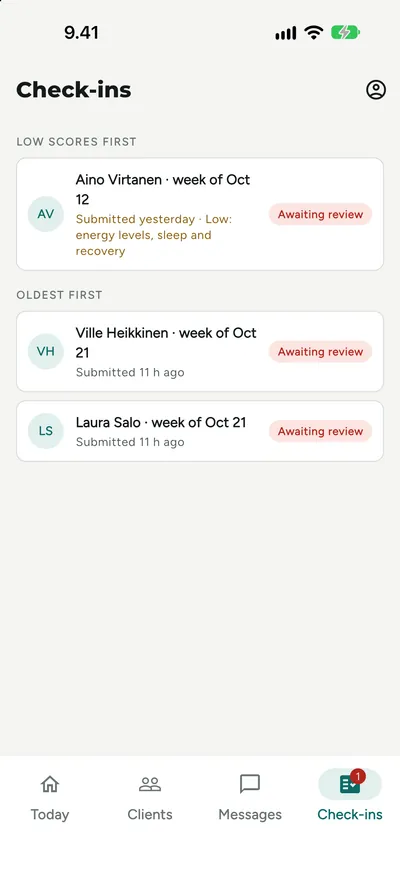
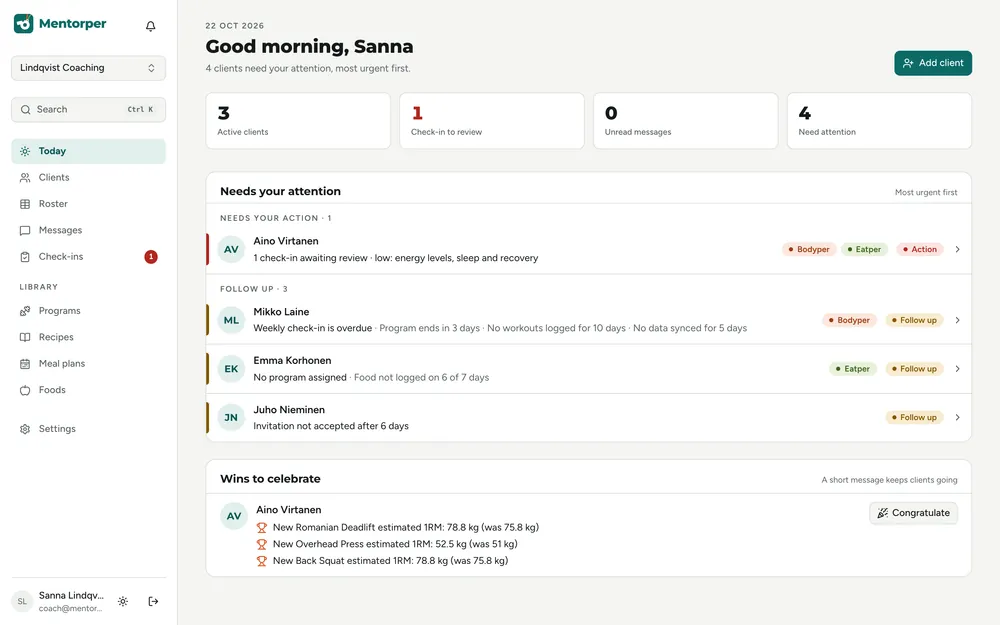
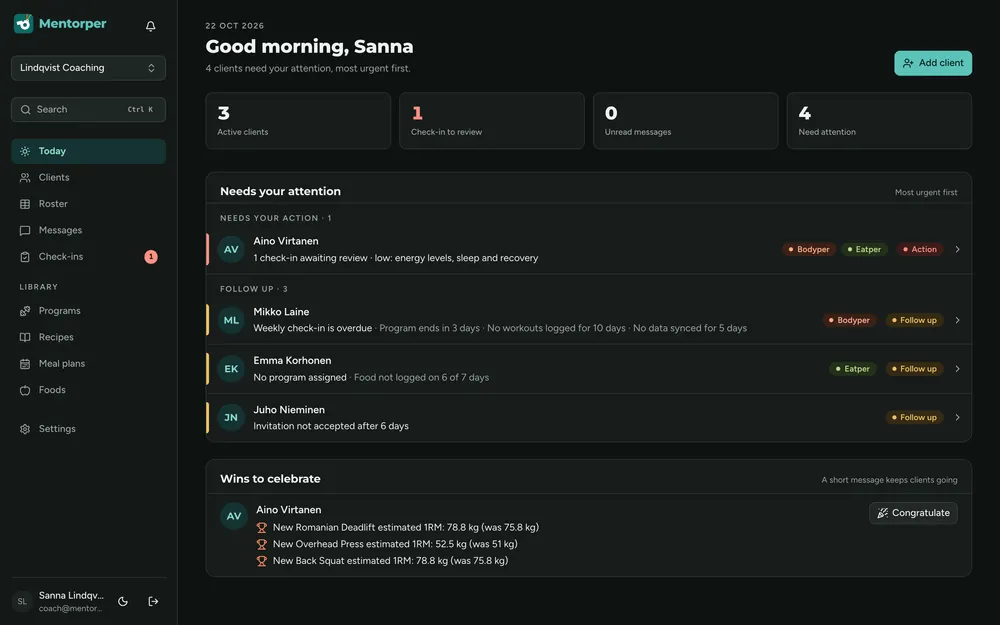
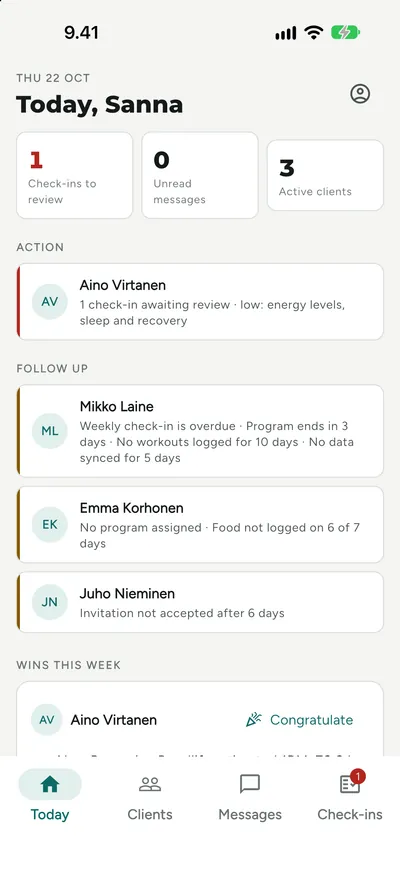
Attention dashboard
See missed sessions, low check-in scores, unanswered messages and stale data in an attention-led client list.
Explore featureCheck-in builder
Build check-in forms around the information you need to understand a client’s week and discuss the next step.
Explore featureIntake forms
Build intake forms to understand the client’s goals, current routines and expectations before planning the coaching work.
Explore featureHabits
Use habits to focus coaching on small, repeatable actions that fit the client’s everyday routine.
Explore featureTasks
Use tasks to turn a coaching conversation into specific actions the client can understand and work on.
Explore featureGoals
Set goals with progress so the client’s next steps stay connected to what you are working towards together.
Explore featureWeekly reports
Use weekly reports to support a focused review of the coaching week and a clearer conversation about what comes next.
Explore featureMessaging
Keep explanations, feedback and everyday conversations close to the coaching.
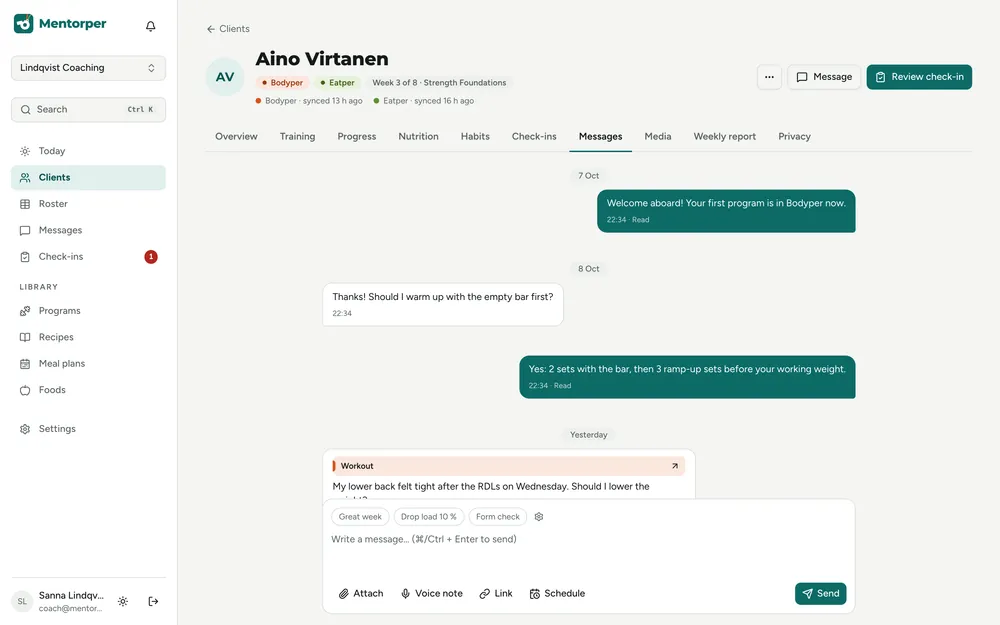
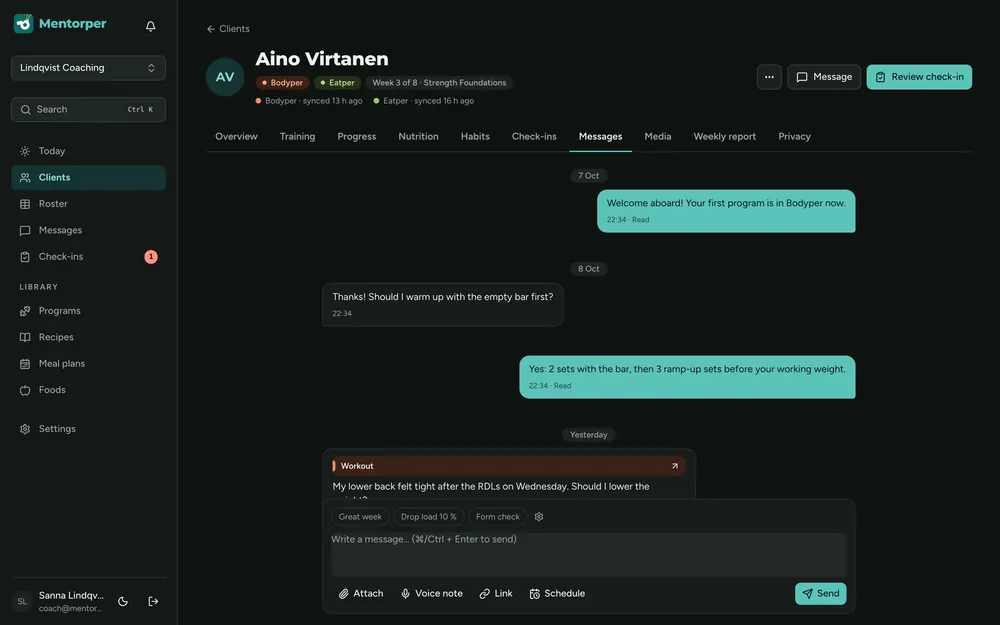
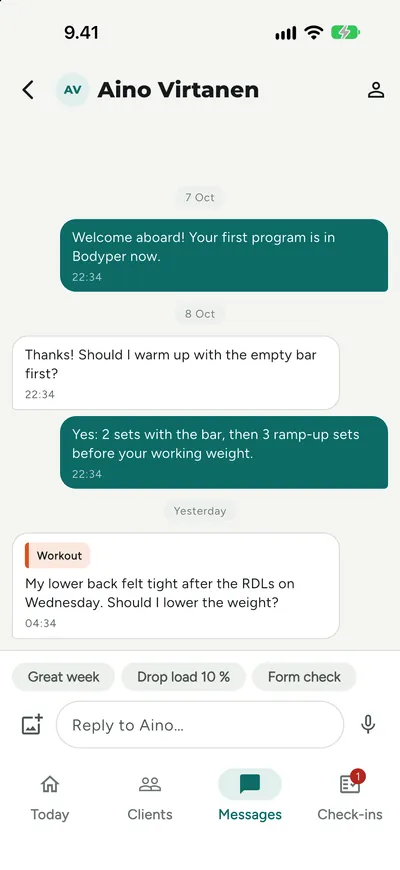
Client messaging
Talk with clients in the same workspace you use to understand their shared training and nutrition information.
Explore featureVoice messages
Use voice messages when tone and a spoken explanation will help make your coaching response easier to understand.
Explore featureVideo messages
Use video messages when seeing an explanation will help the client understand a coaching point or next step.
Explore featureSaved replies
Keep replies you use often so recurring coaching explanations do not always need to start from an empty message.
Explore featureBroadcasts
Use broadcasts for information that applies to more than one client, while keeping individual coaching conversations personal.
Explore featureAutomations & organisation
Give repeatable work a routine and keep your client list organised.
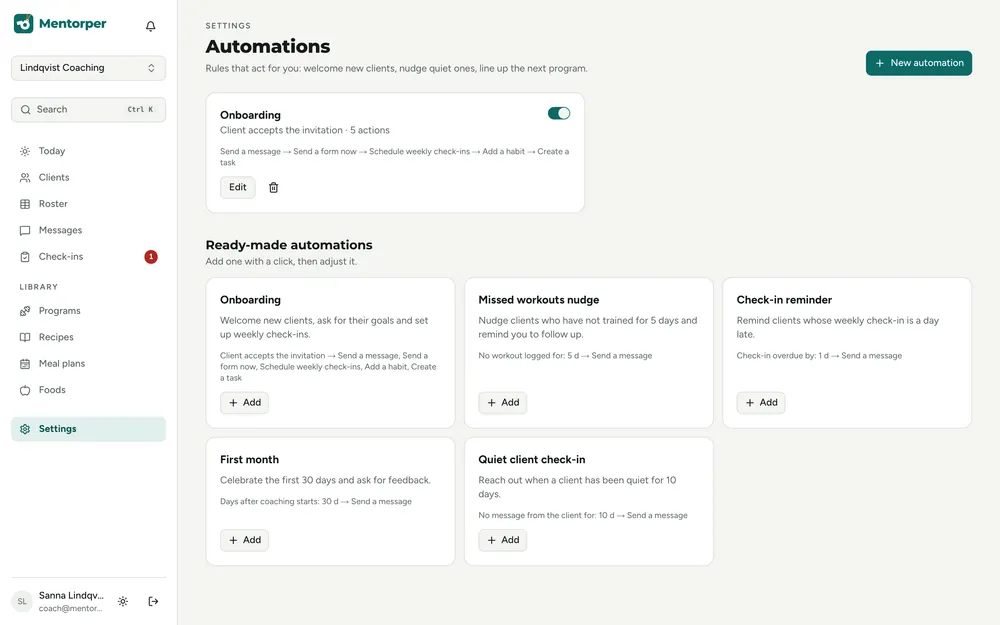
Onboarding sequences
Organise the start of coaching with onboarding sequences that support your own way of working.
Explore featureReminders
Support everyday coaching with reminders for the things you and your clients have agreed to revisit.
Explore featureClient segments
Use client segments to give your client list a structure that supports your coaching practice.
Explore featureClient import
Use client import as part of preparing your existing client relationships for a new workspace.
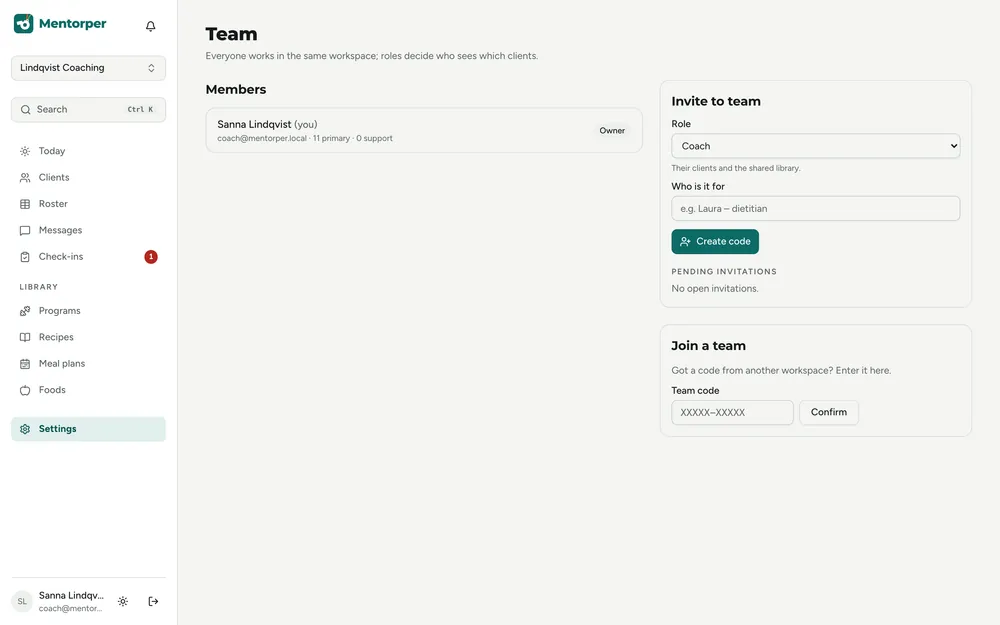
Explore featureTeam
Bring your team into the workspace with clear roles and room to grow.
Privacy & security
Work from honest information, clear sharing choices and considered access boundaries.
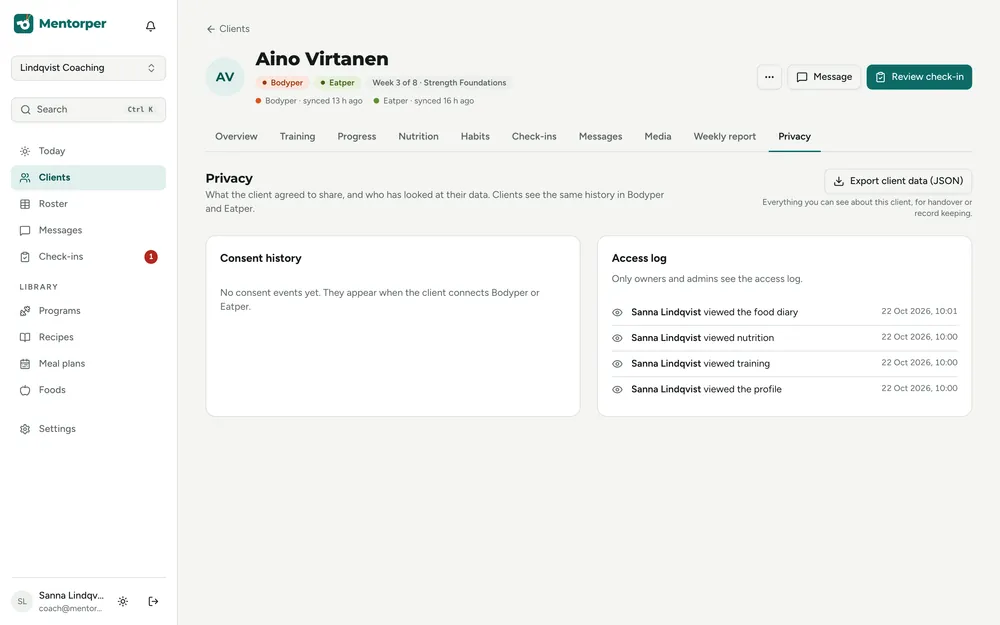
Client sharing
Clients choose which areas of their Bodyper and Eatper information they share with their coach.
Explore featureEnding coach access
When coaching ends, the coach’s access to the client’s shared information ends immediately.
Explore featureHonest data
Freshness labels and clear missing or unshared states help you interpret the information in front of you.
Explore featureEU hosting
EU hosting gives your coaching workspace a clear location alongside practical controls for client information.
Explore featureTwo-factor sign-in
Two-factor sign-in supports the protection of the coach account used to access shared client information.
Explore featureData export
Export information from Mentorper when you need a copy outside the coaching workspace.
Explore featureData deletion
Use data deletion to address information you no longer need in the coaching workspace.
Explore featureConnected apps
Stay close from your phone while clients keep the training and nutrition apps they use.
Make room for the coaching.
Try the full workspace with a 30-day Pro trial. No card needed.