
Make the next step clearer
Explain an adjustment or ask a focused question when a conversation needs more than a number.
Talk with clients in the same workspace you use to understand their shared training and nutrition information.
Every coaching feature is included in every plan. Choose the client and team capacity you need.
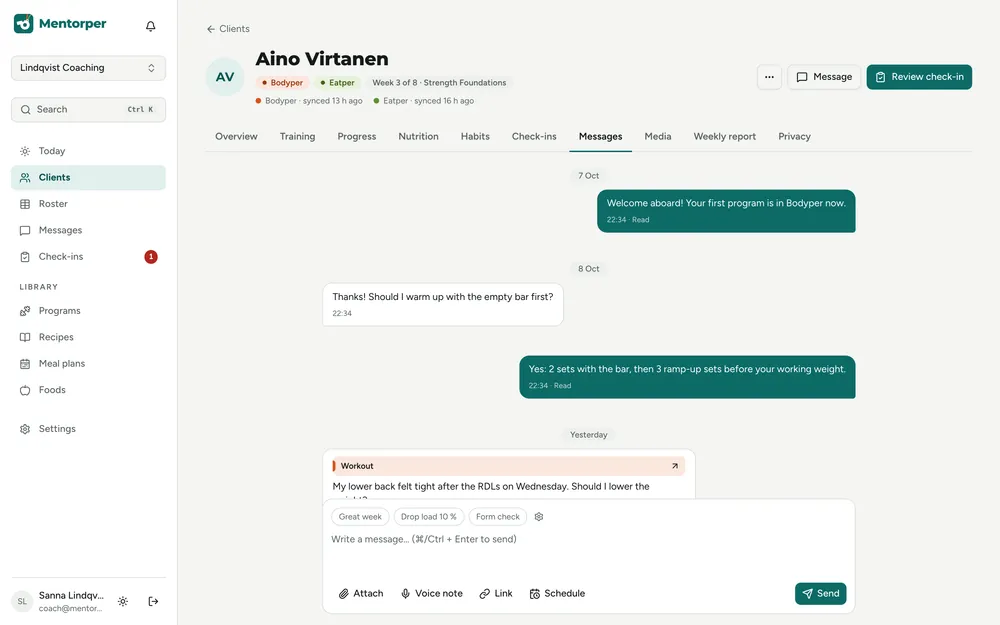
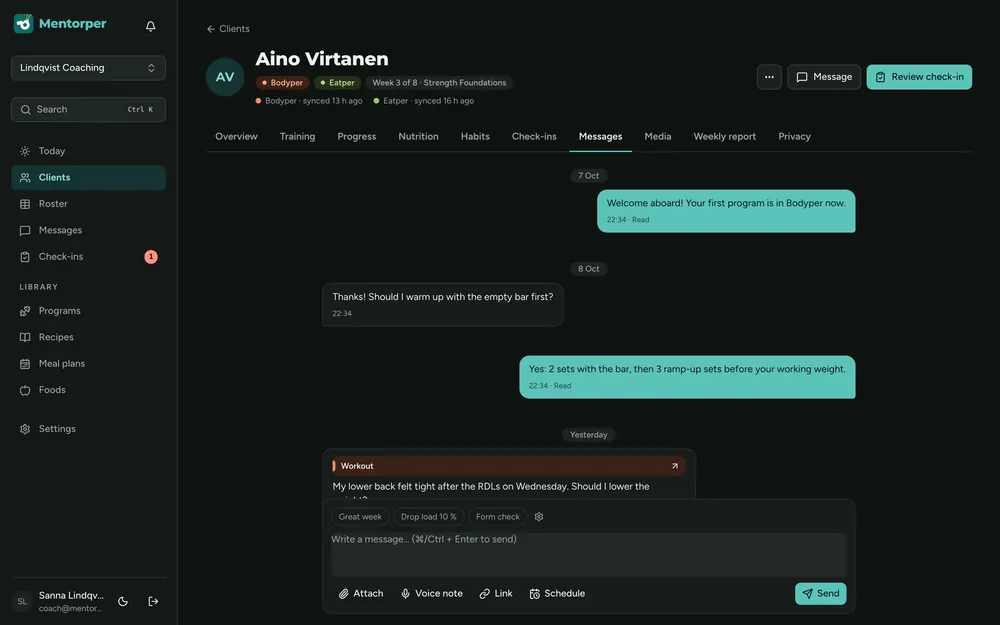
A client’s question often relates to the plan you are building together. Use messaging within Mentorper to keep that conversation connected to your coaching work.
Explain an adjustment or ask a focused question when a conversation needs more than a number.
Review the client information they have chosen to share before deciding how to respond.
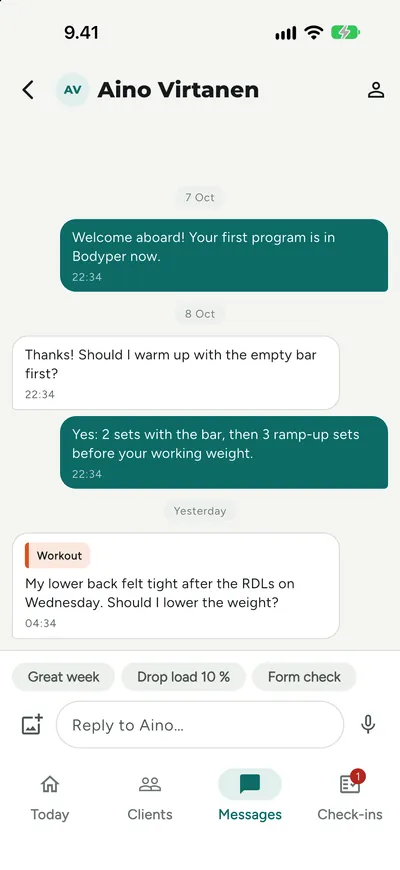
Use the coach mobile app for messaging and the full client view when working away from your desk.
A practical way to use this capability in your coaching.
Read the message and identify the question or point that needs clarification.
Review relevant shared information, noticing gaps, freshness and unanswered questions.
Explain the next step or ask the question you need answered.
A missed session or unclear entry can have more than one explanation. Messaging lets you ask the client instead of filling the gap with an assumption.
The attention dashboard can highlight unanswered messages. Use that signal to decide where a conversation needs attention during your coaching day.
Keep the answer connected to the client’s actual question.
Yes. The coach mobile app includes messaging and the full client view, alongside the web workspace.
No. Clients choose what information they share. A coaching conversation does not remove those sharing choices.
Try the full workspace with a 30-day Pro trial. No card needed.