
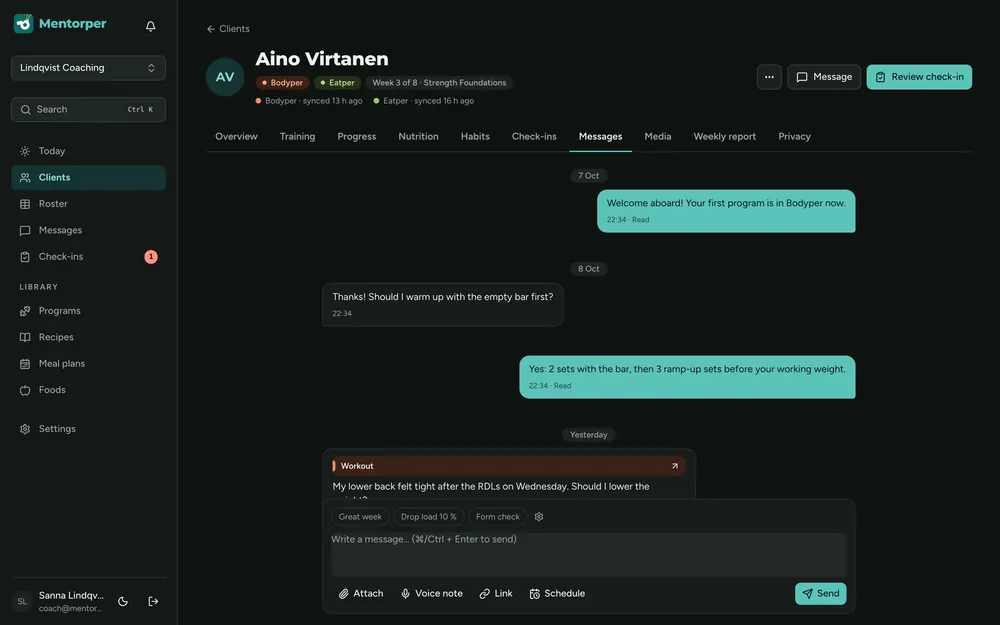
Show the relevant detail
Choose video when a visual explanation will make your point clearer than a written description alone.
Use video messages when seeing an explanation will help the client understand a coaching point or next step.
Every coaching feature is included in every plan. Choose the client and team capacity you need.
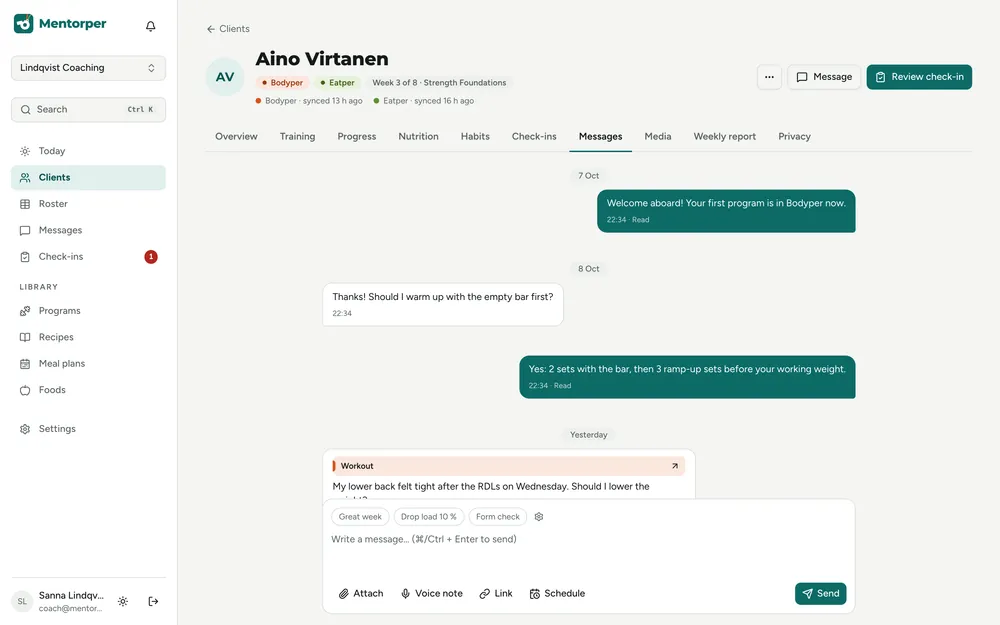
Some coaching points are easier to show than to describe in text alone. Video messages let you use a visual format as part of the client conversation.
Choose video when a visual explanation will make your point clearer than a written description alone.
Keep the message related to what the client is asking and the coaching work you are doing.
Use the video as part of a conversation, with an opportunity to clarify the client’s understanding.
A practical way to use this capability in your coaching.
Identify what needs explaining and why a visual message would help.
Send a focused video message that demonstrates or describes the relevant point.
Ask whether it answered the question and discuss anything that needs more context.
Video messages support conversation at different times. Explain the point visually, then continue from the client’s response.
Match the format to the purpose. Choose text, voice or video according to what helps explain this particular point to your client.
Choose a visual detail that supports the coaching point.
Use video when showing a coaching point will help explain it. Connect the visual detail to the client’s question and the next step.
Every Mentorper plan includes video messages. They are part of the shared coaching toolkit rather than a paid add-on.
Try the full workspace with a 30-day Pro trial. No card needed.