
Missing stays missing
A missing entry is marked as not logged, rather than displayed as a zero that could suggest a result.
Freshness labels and clear missing or unshared states help you interpret the information in front of you.
Every coaching feature is included in every plan. Choose the client and team capacity you need.
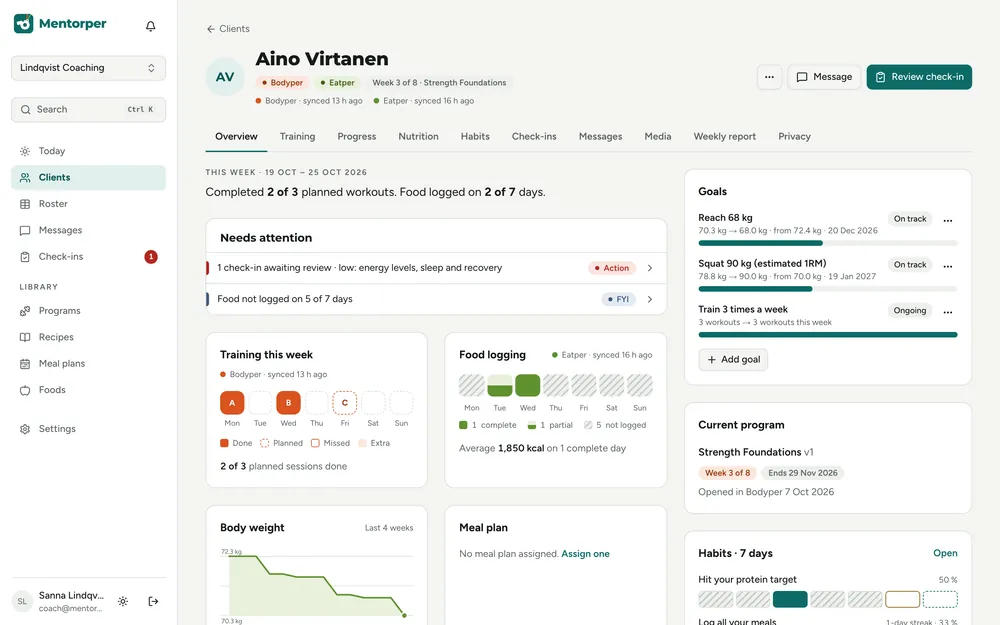
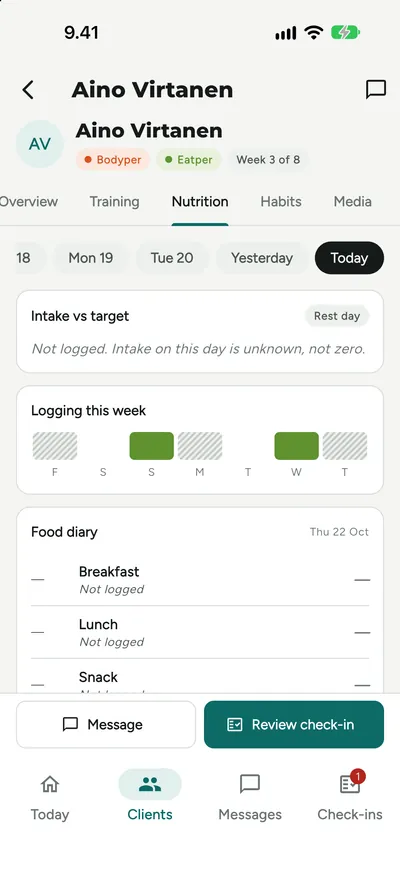
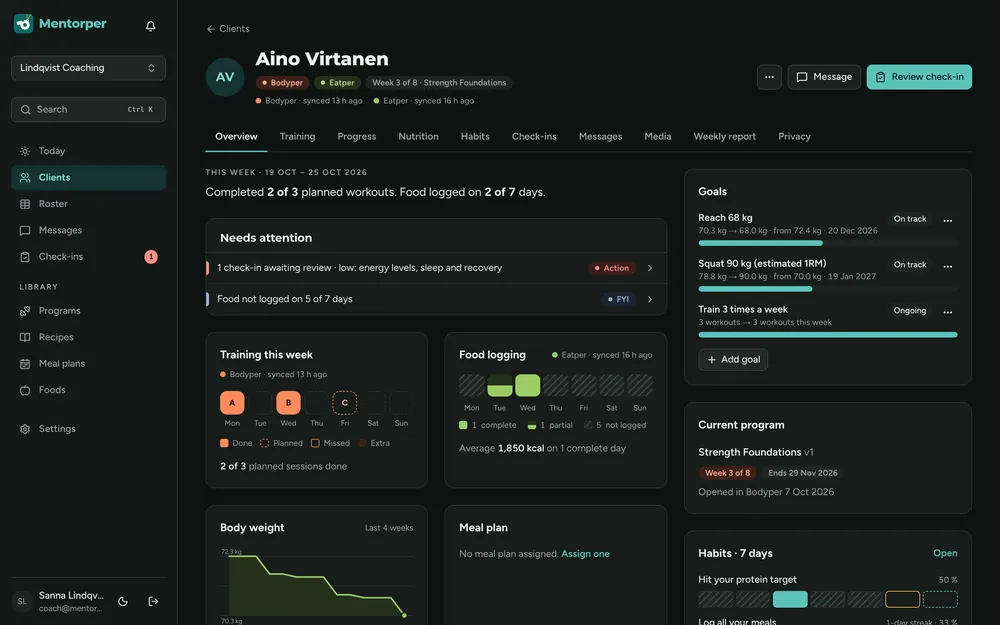
An absent entry and a recorded zero tell different stories. Mentorper keeps that difference visible and shows how fresh the available information is.
A missing entry is marked as not logged, rather than displayed as a zero that could suggest a result.
Each number shows how fresh it is, helping you consider whether it reflects the client’s current situation.
Information the client has not shared is marked separately so you can recognise the limits of your view.
A practical way to use this capability in your coaching.
Look at the information alongside its freshness label and sharing state.
Distinguish a real zero, a missing entry and information that has not been shared.
Use the distinction to prepare a conversation instead of filling the gap with an assumption.
A quiet diary can have several explanations. The information on screen should help you recognise what is known and what still needs a conversation.
The attention dashboard also brings stale data into view alongside missed sessions, low check-in scores and unanswered messages. Use that context to decide where your attention is useful.
Example states with different meanings; a gap is not a recorded outcome.
No. Not logged is shown as missing information, not a zero value.
Yes. Freshness is shown alongside the numbers, and unshared information is clearly marked.
Try the full workspace with a 30-day Pro trial. No card needed.