
Reduce repeated wording
Prepare common information once when its meaning is the same for the clients who need it.
Use broadcasts for information that applies to more than one client, while keeping individual coaching conversations personal.
Every coaching feature is included in every plan. Choose the client and team capacity you need.
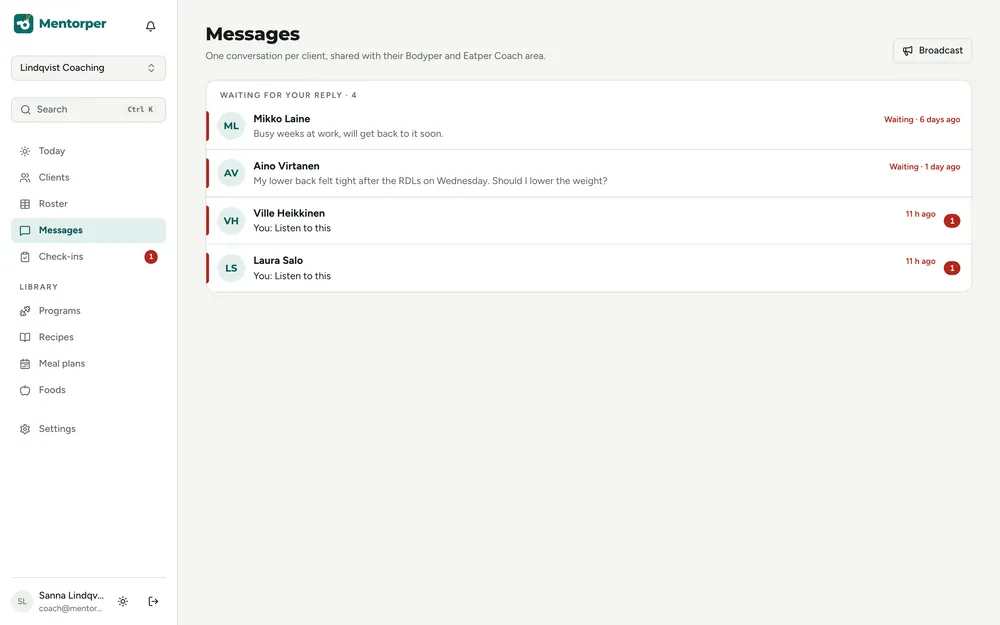
Some coaching information is relevant to several clients at once. Broadcasts give you a way to communicate that shared point without rewriting the same message for each conversation.
Prepare common information once when its meaning is the same for the clients who need it.
Keep a shared message centred on a clear topic, such as a general coaching process update.
Follow up personally when a client’s question or situation needs a response beyond the shared information.
A practical way to use this capability in your coaching.
Identify what applies across clients and is suitable for a common message.
Consider who needs the information and its relevance to their coaching relationship.
Share the update, then handle individual questions with the context each needs.
A broadcast suits shared information. Discuss personal feedback, goals or difficulties in an individual coaching conversation.
Keep wording practical. Explain what the update means and whether recipients need to take a next step.
Use shared wording when the same information applies to every recipient.
Use it when the same information is relevant to several clients, rather than for feedback that depends on one person’s situation.
Yes. Broadcasts are included in every plan. Your plan determines client capacity and team seats, not access to this coaching feature.
Try the full workspace with a 30-day Pro trial. No card needed.